
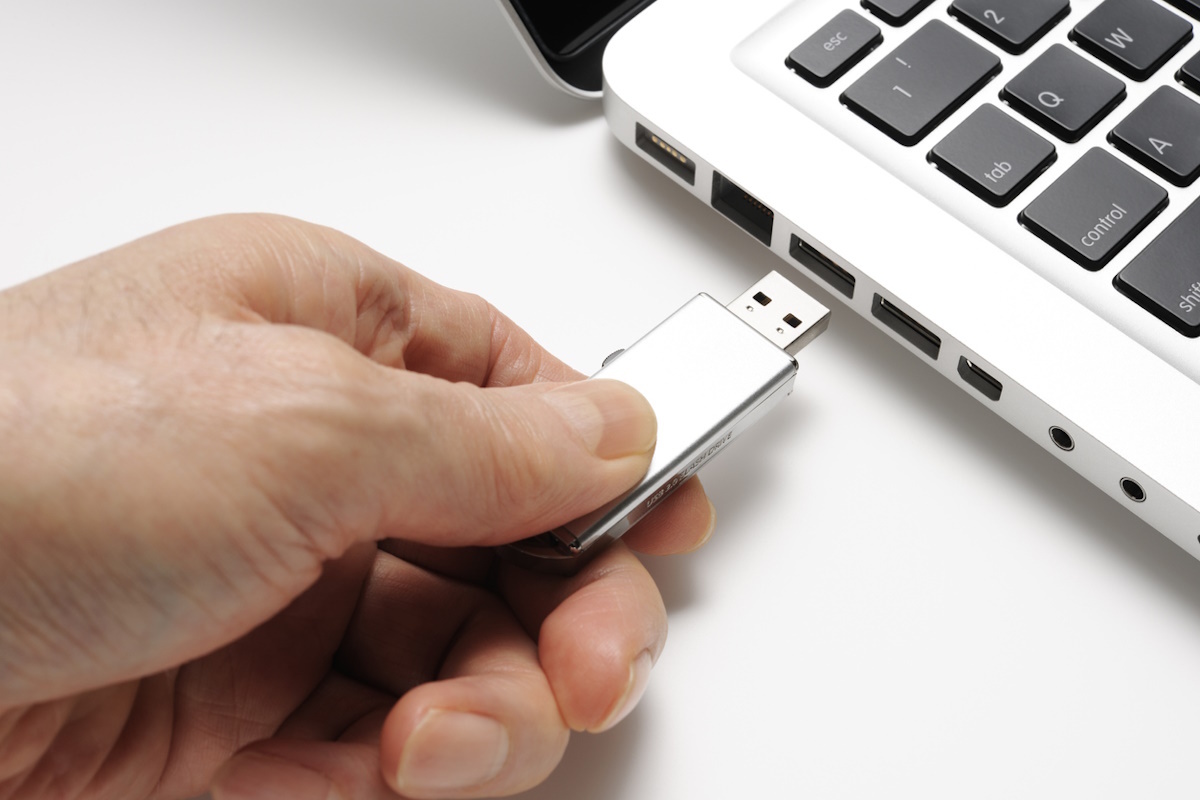





Oscar Escayola Kaloudis at Kingston Technology explains how to enable USB drive access without opening the door to attackers
Changes in working practices, primarily in the last three years, have shifted the cyber-security onus onto individuals to prevent them being the weakest link in the security chain.
Protecting endpoint devices, which are more frequently transported due to the popularity of hybrid working and the subsequent growth in Bring Your Own Device (BYOD) models, has become a priority.
While not all devices belong to employees, they are responsible for them outside the office, and cannot apply the same freedom to the transfer of data using the handy plug-and-play simplicity of USBs, as they might to their own laptop or home PC.
To manage this and reduce the risk of breaches, some organisations have imposed blocks on all USB ports on devices used for work. The downside of this approach is that it eliminates the possibility of using USBs for data storage or for the secure transference of data.
A better strategy is to look at how best USB storage devices can be secured. Assuming that an endpoint management data loss prevention solution is in place, with threat detection scanning, one method is to whitelist USBs by using their respective Vendor Identifier (VID) and Product Identifier (PID) values.
It’s important to use these together since a VID alone is too general, whilst a PID provides a level of refinement that allows for only specific models to be granted access to the host system.
If this is still not enough, select USB drives can incorporate custom PID profiles that are specific to the organisation. This means that IT administrators can bring secure USB storage devices on stream quickly and the unique device serial number can be registered with the endpoint management solution.
This helps to introduce flexible policies based on the ownership of the drive and provides the reassurance of provenance tracing should that be necessary during a forensic IT or security investigation.
While whitelisting enables a degree of control and identity of USB devices, it does only solve half the problem. USB devices will be used due to their portability, which means that where they are being supplied to employees primarily to transfer data, and not just store it, they need to be encrypted. This protects data should a device be lost, stolen or left in a vulnerable situation.
Encryption techniques come in many variations. Software encryption is the less expensive option and better suited to smaller organisations or those whose data is not particularly sensitive but want to remain compliant with policies.
Software encryption is carried out by the host computer which means that the devices are only ever as secure as the host, and it will need regular updates. If hackers have access to the computer’s memory, they will also be able to detect the encryption and decryption keys, and employees can remove the software if it interferes with the portability of the drive.
Hardware encrypted USB drives are independent of the computer and house an embedded processor that manages the encryption. Reputable vendors offer enterprise and military grade hardware encrypted USB drives that utilise AES 256-bit encryption in XTS mode, which is a globally approved technique.
The encryption key derives from the drive controller’s random number generator, unlocked by the user’s password, and provides protection against multiple types of cyber attempt including BadUSB, cold boot and brute force attacks. Because there’s no offloading of encryption tasks onto the host computer, the drive performs better than a software encrypted drive.
The best hardware encrypted drives are password protected, and only the write-protected launcher volume is visible, which contains the application used to authenticate the password and unlock the main encrypted storage volume. Digitally signed firmware prevents firmware manipulation within the device.
If a company has chosen to block all USB ports, of course it would be at little risk of BadUSB attacks, however it would also not have the benefit of a secure environment in which portable storage devices can be safely used. There is also nothing to stop an employee connecting to a server via an untrusted Wi-Fi service in order to retrieve files. Any remote connection exposes an organisation to risk, especially when it comes to sensitive data.
For many SMB companies, particularly in the finance and healthcare sectors, securing data outside the office perimeter is a new challenge, but they can be reassured by long-established solutions such as hardware-encrypted USB storage devices, and USB whitelisting.
Today, the responsibility for keeping data safe is not just to reassure customers, but in many industries, it is a regulatory requirement. Using an unsecured network to transfer sensitive documents relating to financial transactions, a patient’s medical notes, or to deliver legal documents runs the risk of exposure, leading to regulatory fines.
By using a combination of compliant hardware-encrypted USB drives and granular endpoint whitelisting in conjunction with endpoint data loss software, organisations can rely on robust security defences. This will become increasingly important as the adoption of BYOD practices continues to grow and companies adapt to hybrid working.
Cyber-attackers are already taking advantage of the vulnerabilities that this exposes. The ubiquity, convenience and proven security of the hardware encrypted USB should serve as welcome reassurance and form part of their security plan for the future.
Oscar Escayola Kaloudis is EMEA Flash Business Manager at Kingston Technology
Main image courtesy of iStockPhoto.com
© 2025, Lyonsdown Limited. teiss® is a registered trademark of Lyonsdown Ltd. VAT registration number: 830519543